
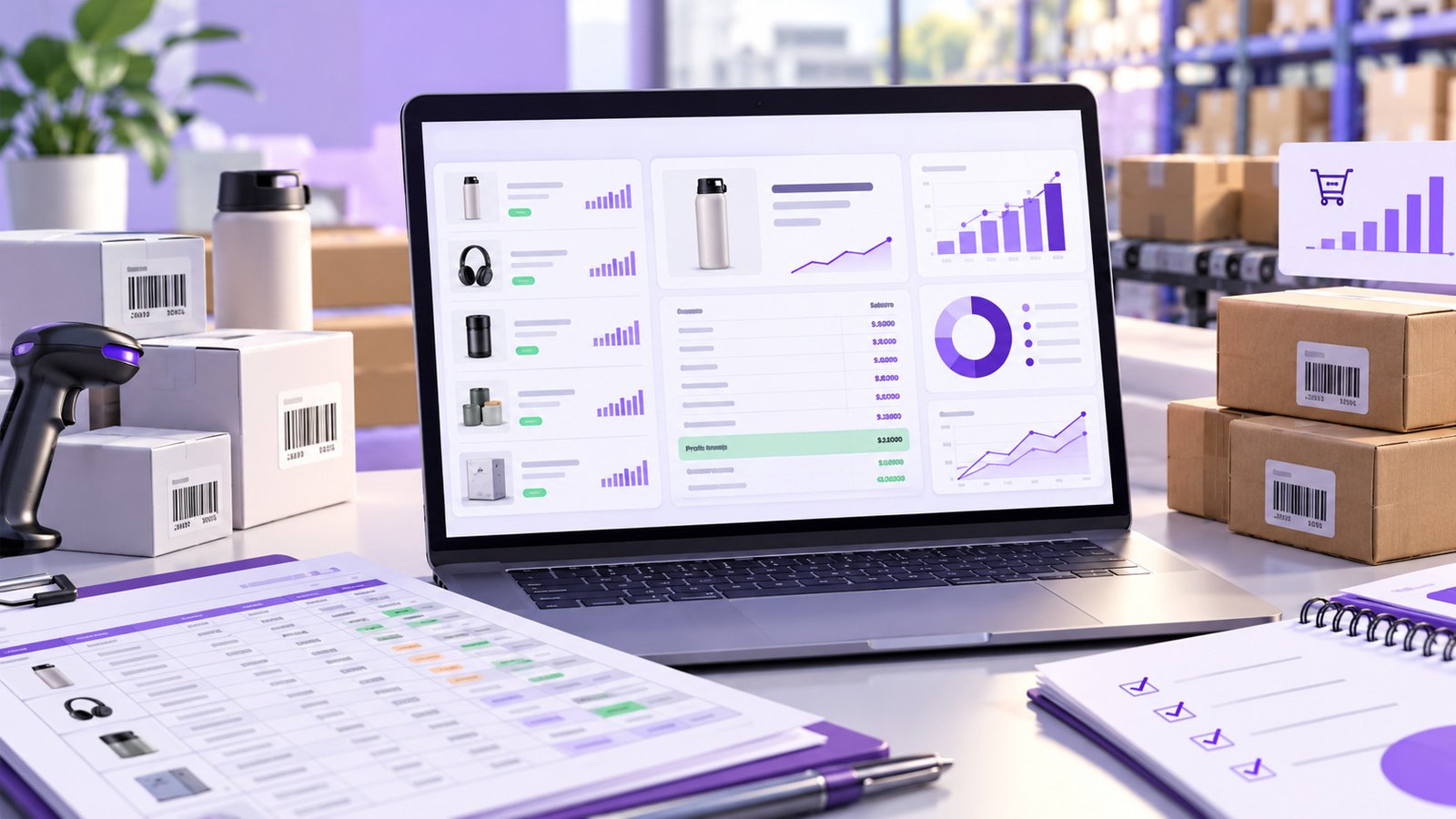

A supplier sends you a spreadsheet containing hundreds or even thousands of products. The costs look attractive, several brands are familiar, and many items are already available on Amazon.
It can be tempting to focus on the cheapest products and place an order quickly.
But a low wholesale price does not automatically make an item a good Amazon FBA opportunity.
Before committing capital, sellers need to understand the complete economics of the inventory: product cost, estimated Amazon fees, selling price, profit per unit, margin, ROI, competition, existing stock, and the quantity they can realistically sell.
That is relatively manageable when you are checking ten products. It becomes much harder when a supplier sends 500, 2,000, or 10,000 SKUs.
A structured Amazon FBA wholesale inventory analysis process helps turn a large supplier file into a more informed buying decision.
Here is what to review before you place your next wholesale order.
1. Start With a Clean Vendor Inventory File
Wholesale sourcing usually begins with a vendor inventory list.
The spreadsheet may contain fields such as UPC, ASIN, SKU, product name, brand, quantity available, case pack, and cost per unit.
Two fields are particularly important when analysing inventory for Amazon:
Product identifier: You need a reliable UPC or ASIN to connect the supplier’s item with the correct Amazon product.
Cost per unit: Your purchase cost is the starting point for profit, margin, and ROI calculations.
Before doing deeper analysis, check the supplier file for duplicate rows, missing costs, invalid identifiers, or products you already know are irrelevant to your business.
Cleaning the data first prevents bad information from influencing the rest of the buying decision.
For sellers reviewing large spreadsheets regularly, JungledIn’s Bulk FBA Calculator is designed around this type of vendor-file analysis.
2. Match Supplier Products With Amazon Listings
Once the supplier file is organised, the next question is whether each product corresponds to a valid Amazon opportunity.
The goal is not simply to confirm that an ASIN exists.
You also want enough information to start answering questions such as:
- What price is the product currently selling for?
- What category does it belong to?
- Is there enough room between the wholesale cost and marketplace price?
- How competitive is the opportunity?
- Does the product deserve deeper research?
Manually opening Amazon listings may work for a small list, but it does not scale well when a distributor sends thousands of products.
Bulk analysis allows you to screen the file first and spend manual research time on the products that appear financially viable.
3. Account for Amazon Fees Before Calculating Profit
One of the biggest mistakes in wholesale sourcing is treating the difference between supplier cost and Amazon selling price as profit.
It is not.
Amazon sellers can incur selling fees, referral fees, FBA fulfilment costs, storage costs, and other charges depending on the product and services used. Amazon explains that referral fees vary by product category, while FBA costs can depend on factors such as size, weight, storage, and other services. Sell on Amazon
Amazon also provides its own tools for estimating fees, costs, and revenue for individual products. Amazon fee and cost estimator
For sourcing purposes, a simplified calculation might look like:
Expected selling price – product cost – estimated Amazon fees = estimated profit per unit
The word estimated matters.
Marketplace prices and fees can change, so sellers should treat sourcing calculations as decision-support information rather than guaranteed future profit.
4. Calculate Estimated Profit Per Unit
Once the main costs are included, determine how much estimated profit remains on each unit.
Imagine a product with:
- Expected selling price: $40
- Wholesale cost: $20
- Estimated Amazon fees and FBA costs: $12
The estimated profit per unit would be:
$40 – $20 – $12 = $8
That gives you a much clearer picture than simply looking at the $20 difference between wholesale cost and selling price.
But profit per unit should not be the only metric used.
An $8 profit could represent a strong opportunity on one product and a weak one on another depending on selling price, inventory cost, demand, competition, and expected turnover.
5. Compare Profit Margin
Profit margin helps put the dollar profit into context.
Using the example above:
$8 estimated profit ÷ $40 selling price × 100 = 20% estimated margin
Margin becomes particularly useful when comparing products at different price points.
For example, earning $8 on a $25 sale is very different from earning $8 on a $100 sale.
When analysing hundreds of wholesale products, you can use minimum margin requirements to reduce the list to products that better fit your business model.
There is no universal profit margin that every Amazon FBA seller should use. Your threshold depends on operating expenses, category, inventory turnover, capital availability, risk tolerance, and other business costs.
The important part is defining your criteria instead of making each buying decision emotionally.
6. Calculate ROI on Your Inventory Cost
ROI provides another perspective on a wholesale opportunity.
A simplified inventory ROI calculation is:
Estimated profit ÷ product cost × 100
If the item costs $20 and produces an estimated $8 profit:
$8 ÷ $20 × 100 = 40% estimated ROI
ROI can help when comparing multiple ways to deploy limited purchasing capital.
You might find one product with a higher dollar profit but lower ROI and another with lower dollar profit but stronger return relative to the amount invested.
Neither result automatically determines which product you should purchase.
ROI should be considered alongside demand, competition, expected selling period, quantity, and the total amount of capital required.
7. Research Demand and Competition Before Buying
A spreadsheet can show attractive economics while hiding marketplace risk.
Before buying significant quantities, research the product in the context of the Amazon marketplace.
Look at factors such as current price, category, product ranking, competing products, competing ASINs, and the wider market opportunity.
JungledIn’s Product & Niche Finder allows sellers to explore the real Amazon catalogue by category and filter products using factors including rank, price, and competition.
This step matters because wholesale sourcing is not only about answering:
“Can I buy this cheaply?”
You also need to answer:
“Does this product have a realistic resale opportunity after I buy it?”
A deeply discounted supplier price cannot compensate for inventory that has little realistic marketplace demand.
8. Analyse the Full Supplier List Instead of Cherry-Picking Familiar Products
When sellers receive a large wholesale spreadsheet, there is a natural tendency to focus on brands or products they recognise.
That can create blind spots.
The strongest opportunities in a vendor file may not always be the products that immediately look familiar.
This is where bulk analysis changes the sourcing workflow.
JungledIn’s Bulk FBA Calculator allows sellers to work from vendor inventory containing UPC or ASIN data and cost per unit. The analysis can provide estimated Amazon fees, profit per unit, margin, and ROI across the inventory.
Instead of manually asking:
“Is this product worth buying?”
you can start with the broader question:
“Which products in this supplier file meet my buying criteria?”
You can then perform deeper marketplace research on that smaller group.
9. Build Clear Buying Criteria
Once the supplier file has been analysed, create rules for which products deserve further consideration.
Depending on your business model, those rules could include:
- minimum estimated profit per unit
- minimum margin
- minimum ROI
- acceptable selling-price range
- category requirements
- acceptable competition
- maximum inventory investment
- available supplier quantity
- expected turnover
These should be treated as your own internal purchasing criteria rather than universal Amazon rules.
The objective is consistency.
Without defined criteria, sellers can easily make exceptions because a supplier deal appears cheap or a product looks familiar.
A repeatable buying framework makes it easier to compare one supplier opportunity with another.
10. Do Not Confuse a Profitable Product With the Right Purchase Quantity
Finding an attractive SKU is only half of the buying decision.
The other question is:
How many units should you actually buy?
A product can have healthy estimated profit, margin, and ROI and still become expensive excess inventory if the order quantity is too large.
Before purchasing, review:
- warehouse inventory
- Amazon FBA inventory
- incoming purchase orders
- SKU sales history
- current sell-through
- supplier lead time
- available working capital
- expected demand
This is where sourcing and inventory management should connect.
JungledIn’s Inventory Management software tracks warehouse, incoming, and FBA inventory and provides reorder forecasting based on sell-through and lead time.
That helps sellers avoid treating every profitable-looking sourcing opportunity as a reason to buy the maximum available quantity.
11. Move Approved Products Into a Purchasing Workflow
Analysis is useful only when it leads to a clear operational decision.
Once products meet your criteria, they need to move from research into purchasing.
JungledIn’s Bulk FBA Calculator lets sellers save selected products to a Buying List and create a purchase order.
That creates a more structured path:
Vendor file → analysis → selected products → Buying List → purchase order
For sellers working with multiple distributors, large supplier files, or regular wholesale orders, reducing the gap between product analysis and purchasing can make the process easier to manage.
JungledIn’s Business Operations tools can also support vendor and customer records, purchase orders, invoices, PDFs, barcodes, and cross-platform sales activity.
12. Review Performance After the Inventory Starts Selling
Your original sourcing calculation is a forecast.
The real result becomes visible only after the inventory reaches the marketplace.
Once products begin selling, compare actual performance with your original assumptions.
Review:
- sales history
- remaining quantity
- selling-price changes
- inventory aging
- expenses
- cash tied up in stock
- actual sell-through
If a SKU sells faster than expected, that information can influence future purchasing and reorder decisions.
If a product moves slowly, you may need to reconsider pricing, marketplace exposure, or future buying quantity.
Amazon notes that FBA storage costs are charged based on the space inventory occupies, and additional costs can apply in situations including aged inventory. Sell on Amazon This makes inventory turnover an important part of the overall sourcing decision—not just something to consider after the purchase.
A Practical Amazon FBA Wholesale Sourcing Workflow
A more structured wholesale buying process can follow this sequence:
1. Receive the vendor inventory list.
Check product identifiers, unit costs, quantities, and data quality.
2. Analyse products in bulk.
Estimate Amazon fees, profit per unit, margin, and ROI.
3. Research promising products.
Review marketplace pricing, category, competition, and product opportunity.
4. Apply your buying criteria.
Remove products that do not meet your required economics or marketplace conditions.
5. Check existing inventory.
Review warehouse, incoming, and FBA stock before deciding purchase quantity.
6. Create the purchase order.
Move approved products into a structured purchasing process.
7. Track real performance.
Use actual sales and inventory history to improve your next sourcing decision.
Frequently Asked Questions
What should I analyse before buying wholesale inventory for Amazon FBA?
Review supplier cost, expected selling price, estimated Amazon fees, estimated profit, margin, ROI, competition, quantity, existing inventory, and expected sell-through before committing to a large purchase.
What is a bulk FBA calculator?
A bulk FBA calculator allows sellers to analyse multiple products from a supplier file rather than checking products one at a time. JungledIn’s Bulk FBA Calculator calculates estimated Amazon fees, profit per unit, margin, and ROI using supplier inventory information.
Is high ROI enough to make an Amazon product worth buying?
No. ROI is only one part of the decision. Sellers should also consider competition, expected demand, selling price, available quantity, inventory turnover, and total capital required.
How can sellers reduce the risk of buying too much FBA inventory?
Review current warehouse and FBA stock, incoming inventory, sales history, sell-through, and supplier lead time before purchasing or replenishing. Forecasting improves decision context but cannot guarantee future demand.
Does Amazon provide a tool for checking FBA costs?
Yes. Amazon provides a Revenue Calculator and other fee-estimation tools that sellers can use to estimate FBA costs and revenue. Amazon Revenue and fee estimation information
Make Wholesale Buying Decisions With More Than a Supplier Price
Successful wholesale sourcing is not simply about finding inventory at the biggest discount.
A good purchase still needs workable marketplace economics.
Before committing capital, Amazon sellers should understand estimated fees, profit per unit, margin, ROI, competition, inventory depth, and how much stock the business can realistically sell.
For small supplier files, some of that analysis can be handled manually. As vendor lists grow into hundreds or thousands of products, the process becomes harder to manage consistently.
JungledIn brings sourcing, purchasing, inventory, pricing, finance, and marketplace operations into a connected seller workflow.
For wholesale sellers starting with large vendor spreadsheets, the Bulk FBA Calculator provides a practical place to begin: analyse the inventory first, narrow the opportunity, and commit capital with more information behind the decision.